Touchpad
Touchpad Test
Intended for testing touchpads and mice, including their buttons and gesture capabilities.
Prerequisite
- A device with a touchpad and/or a mouse.
How it looks
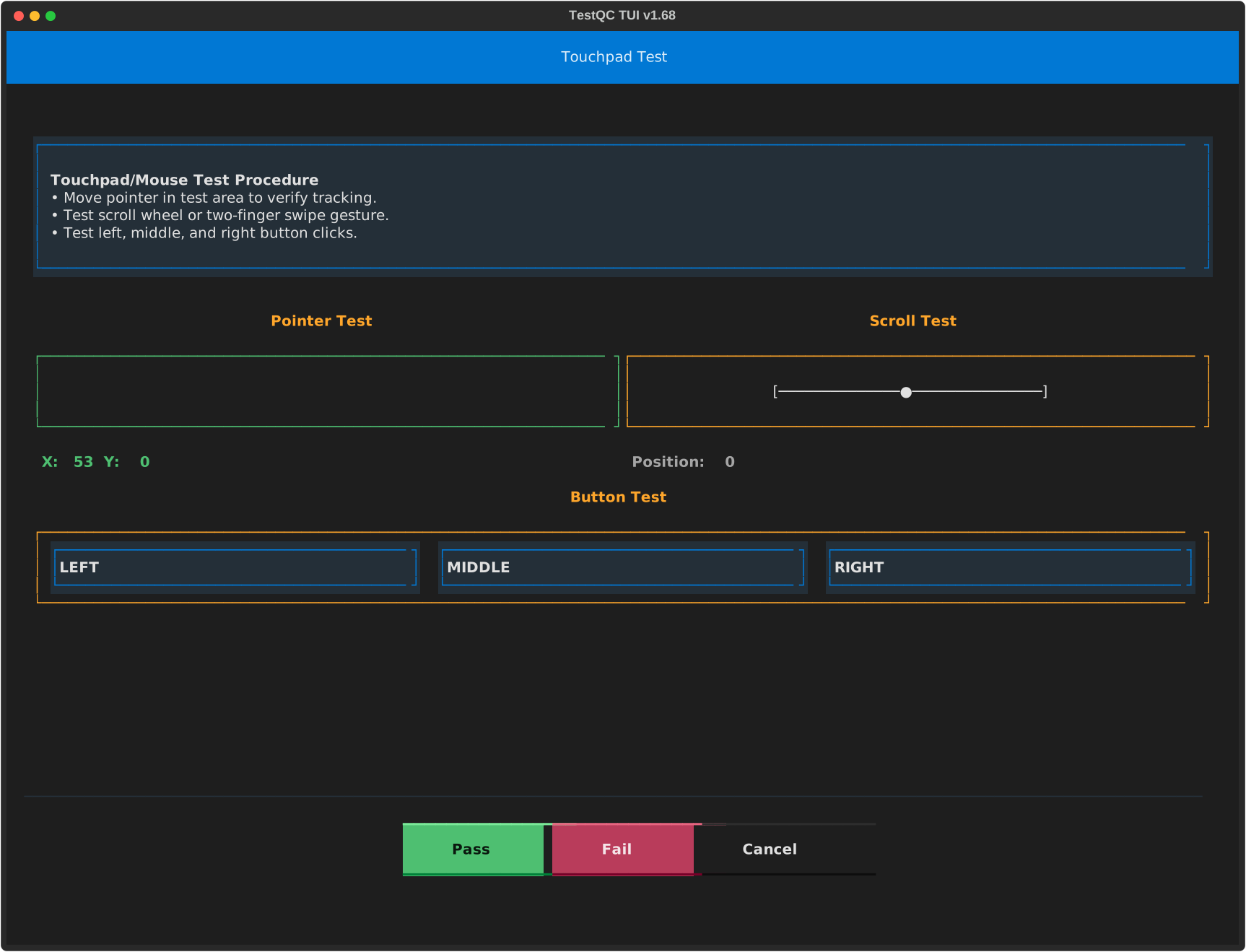
Touchpad Testing
-
Two-Finger Gesture (Scroll): To test the two-finger scroll gesture, hover over the Scroll Test area and swipe with two fingers on your touchpad. This verifies the touchpad's multi-finger input capability.
-
Touchpad Buttons (Left/Right/Middle Click): To test the buttons, perform a physical click (not a tap) using the left, right, or middle area of your touchpad on the corresponding buttons displayed in the image.
Mouse Testing
-
Scroll Wheel: If a mouse is connected, use the scroll wheel to move the dot pointer, verifying its basic scrolling functionality.
-
Mouse Buttons (Left/Right/Middle Click): To test mouse buttons, click the left, right, or middle button on the corresponding areas displayed in the image.