Device Info
Device Info
The first page of the TestQC TUI after boot, which lists the components / peripherals in the device under test, such as processor, memory, storage, network interfaces and else.
How it looks
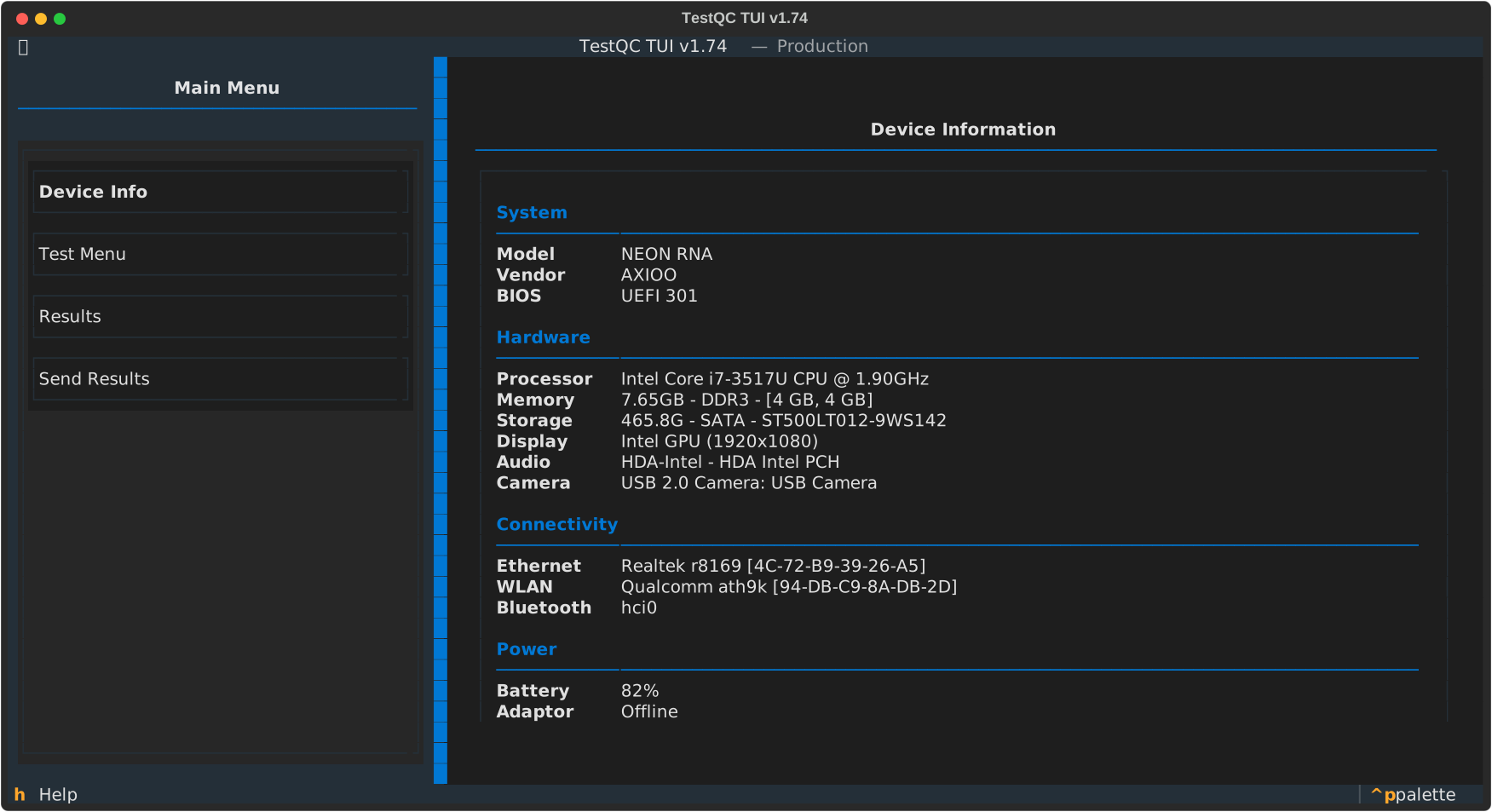
Component quick check
With this component list, user can see, compare or double check what is listed with the actual specifications without having to disassemble the device or install the OS to the device. It works even without the harddisk.
Device detection
If there are peripherals that are not detected and are not listed on the component list, use the latest version of the TestQC Usb or inform the system administrator.