Network
Network Test
The Network Test module is designed to verify the device's network interfaces, ensuring they are properly connected and capable of accessing the TestQC server.
Prerequisites
- Device with a Wi-Fi network interface.
- Device with an Ethernet network interface (optional).
How it looks
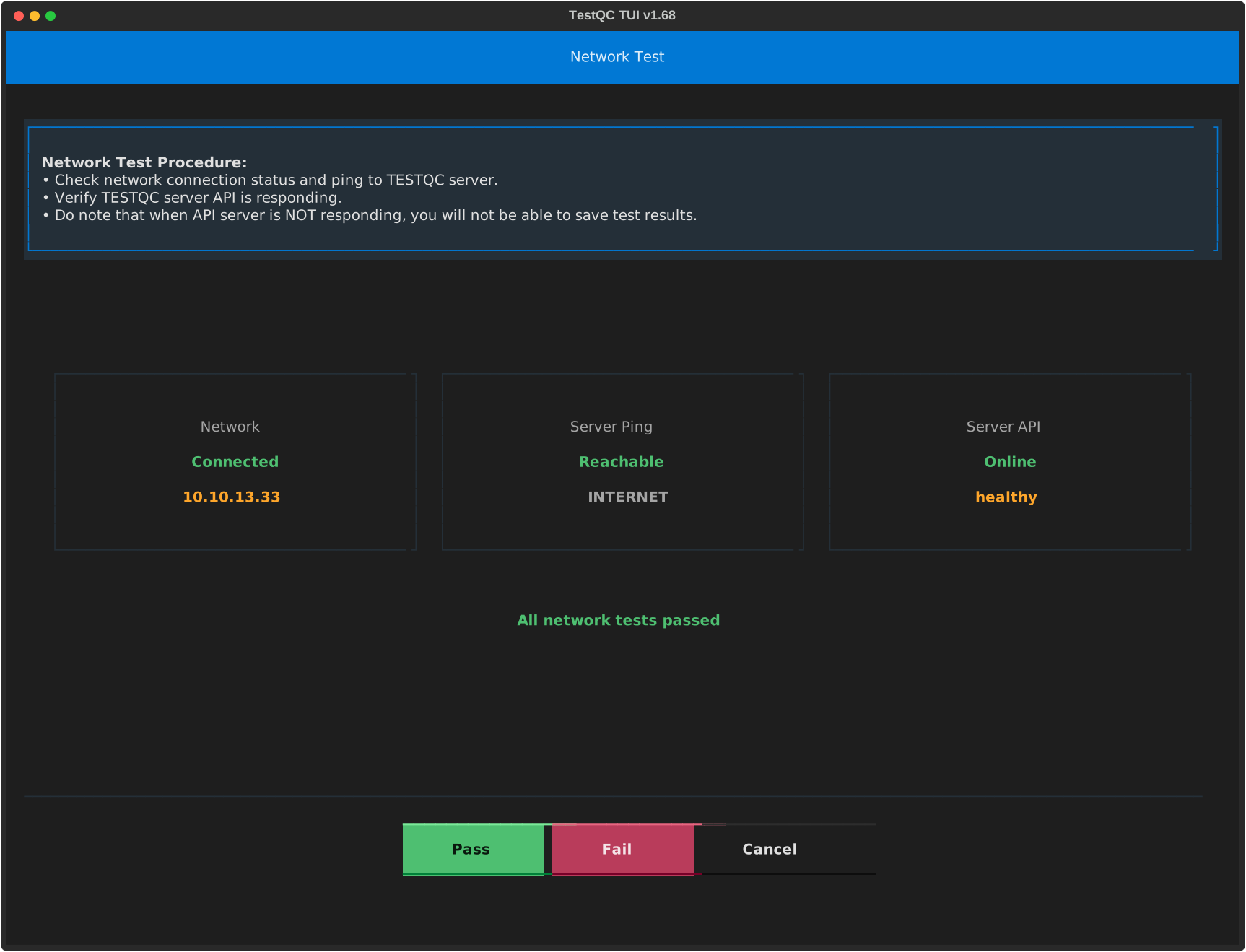
The module features three distinct indicators, each corresponding to a specific network test:
- Connection: Verifies the device's connection to the network access point or local network.
- Server Ping: Tests the device's ability to reach the server host via a network ping.
- Server API: Confirms a successful response from the TestQC Server API over the network.
All three indicators should ideally be green. The Server API response is the most critical, as this connection is essential for saving test results.
Important Considerations
Network Connectivity
The primary purpose of this test module is to ensure the device can successfully communicate with the TestQC Server API. This communication is critical for saving test results, whether the server is located on a local network or accessed via the internet. Both local and internet-based configurations are supported.
Failed Server API Response
If the TestQC Server API indicator is Offline or Unhealthy, the device will be unable to save test results. It is crucial to ensure this indicator is Online and Healthy before proceeding with further testing.