Dead Pixel
Dead Pixel Test
Intended to detect whether there is a dead pixel or stuck pixel defect on the device screen.
Prerequisite
- Built-in device LCD or flat-panel display
How it looks
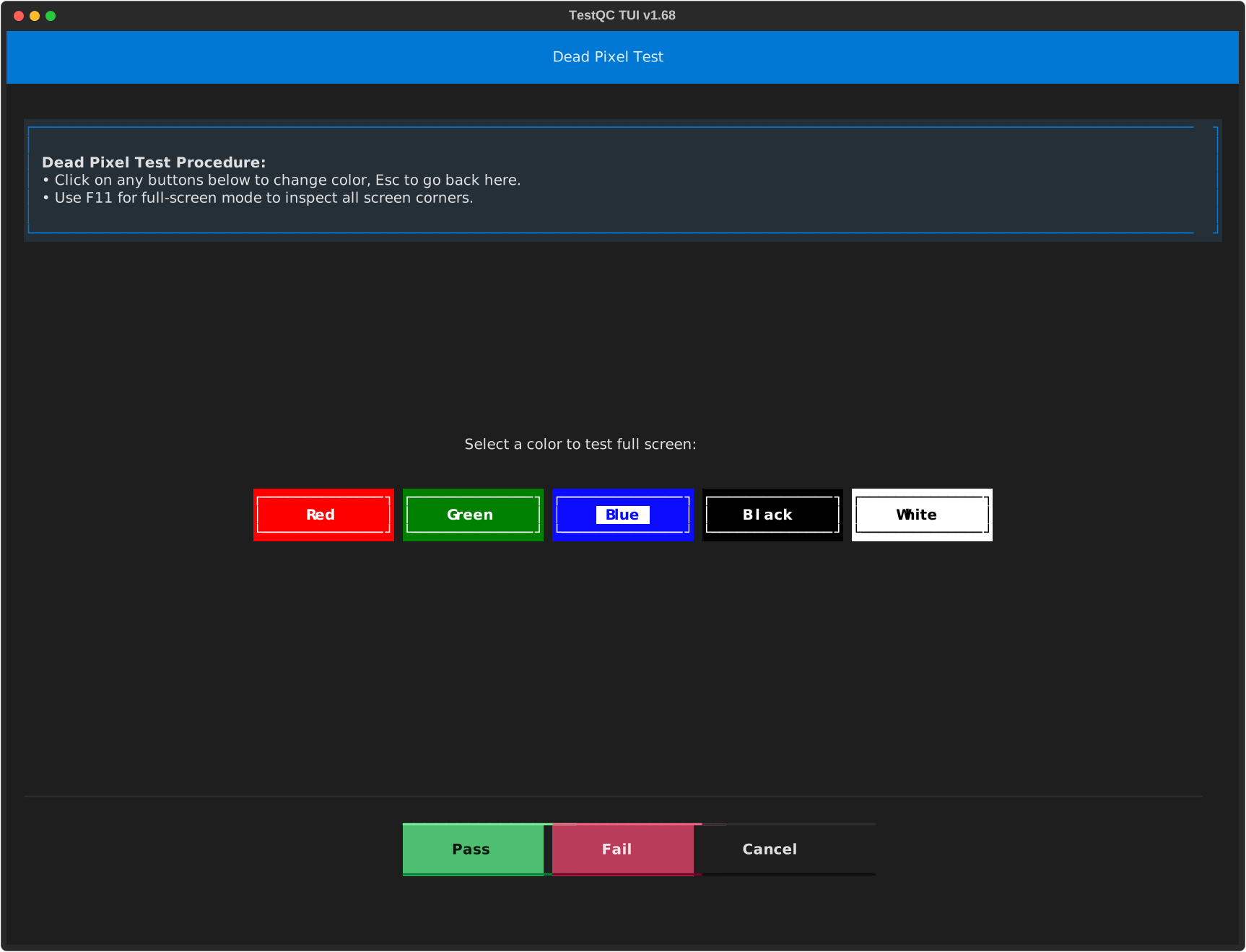
Dead pixels are defects of LCD production. These can be caused by misalignment, improper cuts of the components, and even dust particles landing on the LCD matrix can lead to “dead pixels”.
A dead pixel can be detected as a bright dot on a dark color screen or a dark dot on a bright color screen.
Search for bright dots on dark colors (such as black or blue) or dark dots on bright colors (such as white or green). Count them and decide if it is a Pass or Fail according to company standards.
Acceptable dead pixel standard
There is no one clear industry standard regarding an acceptable level of dead pixels. Each LCD screen manufacturer and each laptop maker has its own dead pixel standards.