Submit
Submit Test Data
Sends data to the TestQC Server or the log server after all tests are complete. The data on the server will be further analyzed to improve production output performance and overall quality control.
Prerequisite
- USB barcode/QR code scanner.
- QR‑code serial‑number sticker.
How it looks
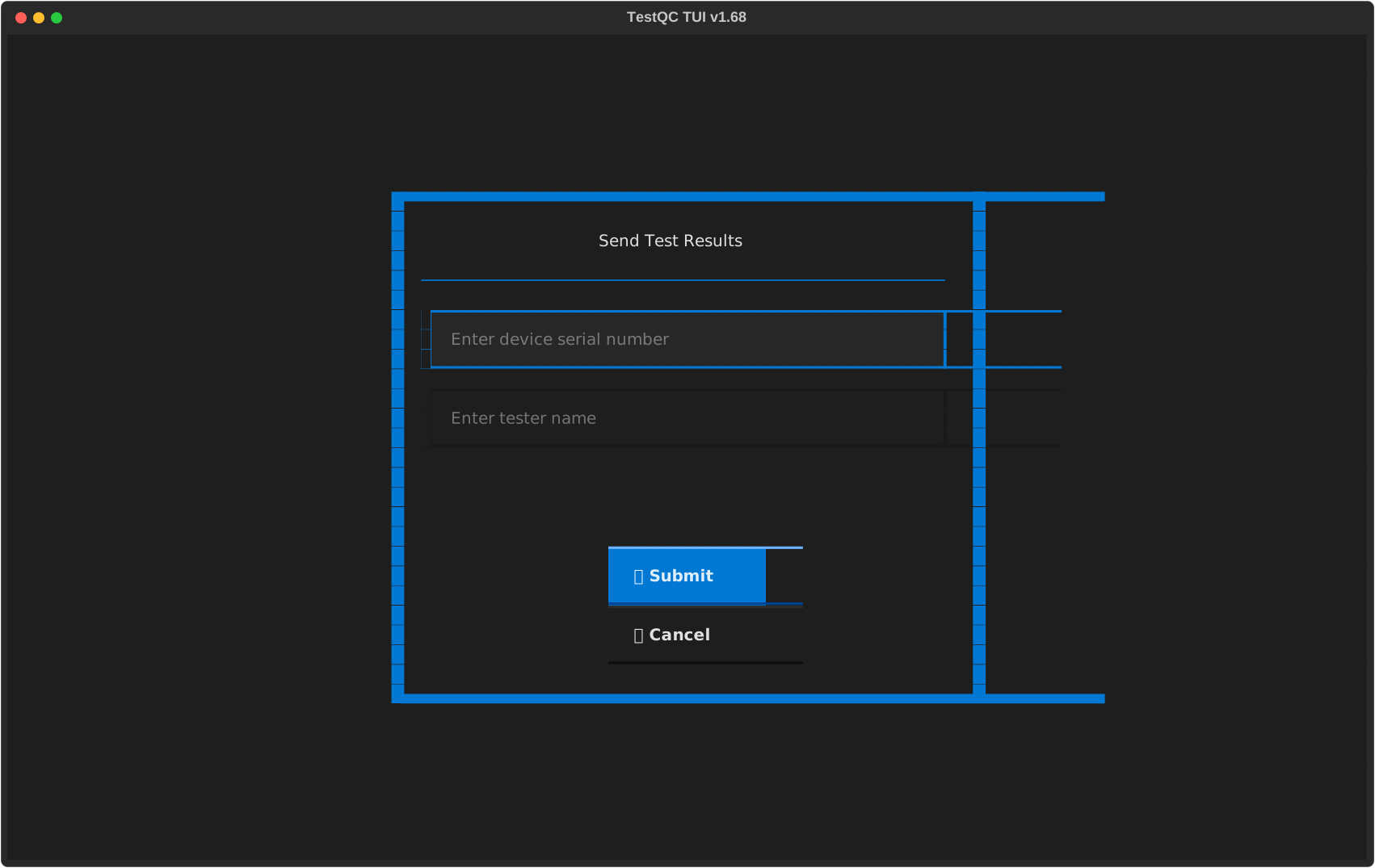
In this step, the entire testing process should have been completed, and the operator must enter the serial number of the tested device and save the test data to the server.
There are several ways to enter the serial number:
- Using a USB barcode scanner that is plugged into the device.
- Manually typing the device serial number (not recommended; humans are notoriously bad at accurately transcribing long strings of characters).
Please choose the method that works best for you.
To submit data to the server, click the Submit button after entering the serial number in the Input Serial Number field and your name as the tester in the Tester Name field. The system will then confirm whether the data has been sent to the server successfully.
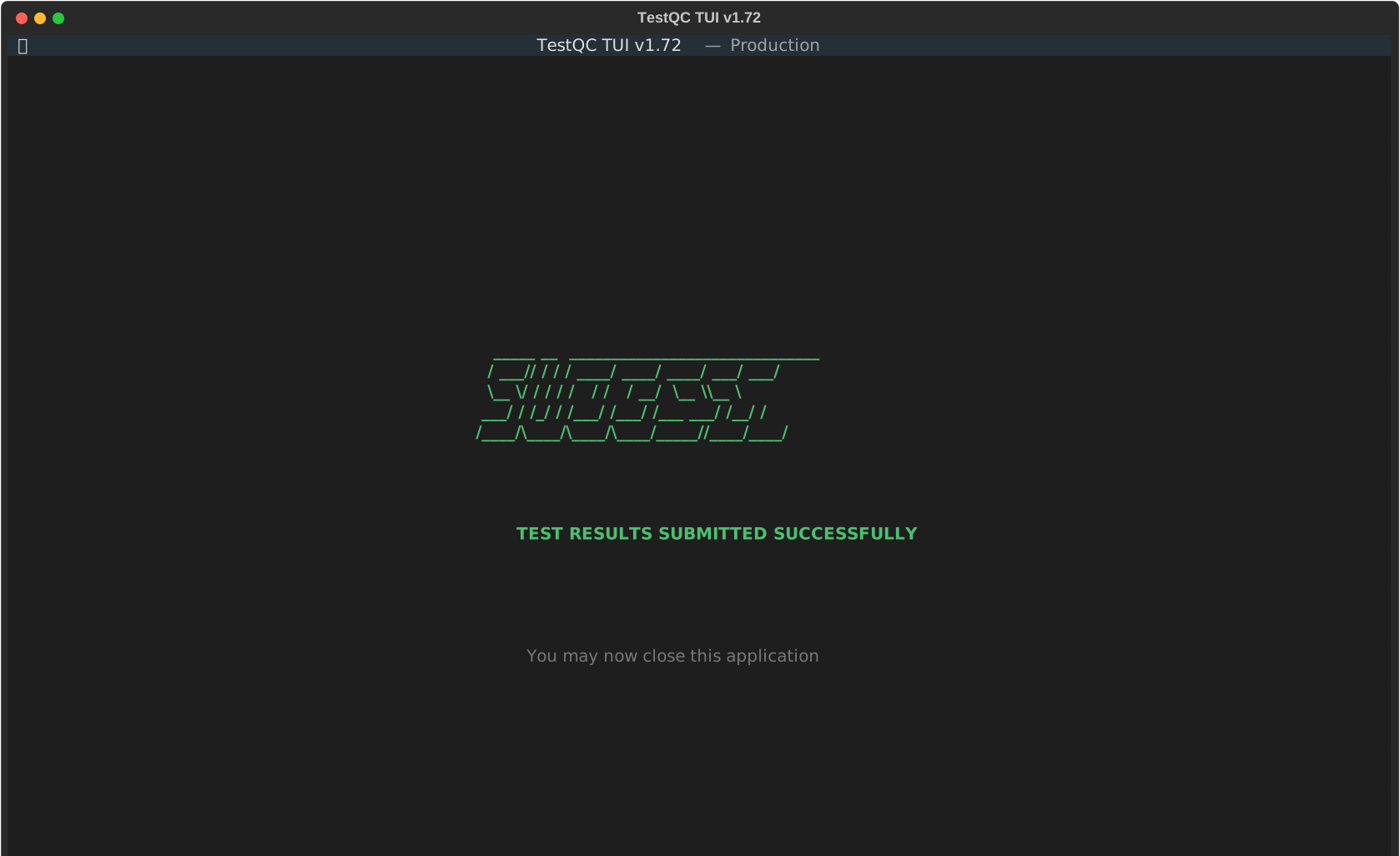
If the data is not submitted successfully, the system will notify you with an error message. Please contact your system administrator for assistance.
TestQC has been completed successfully; now move on and test the next device.