Testing Procedure
Standard Operating Procedure
Below is the summary steps to do before we begin with the detail :
- Boot the TestQC TUI LiveUSB
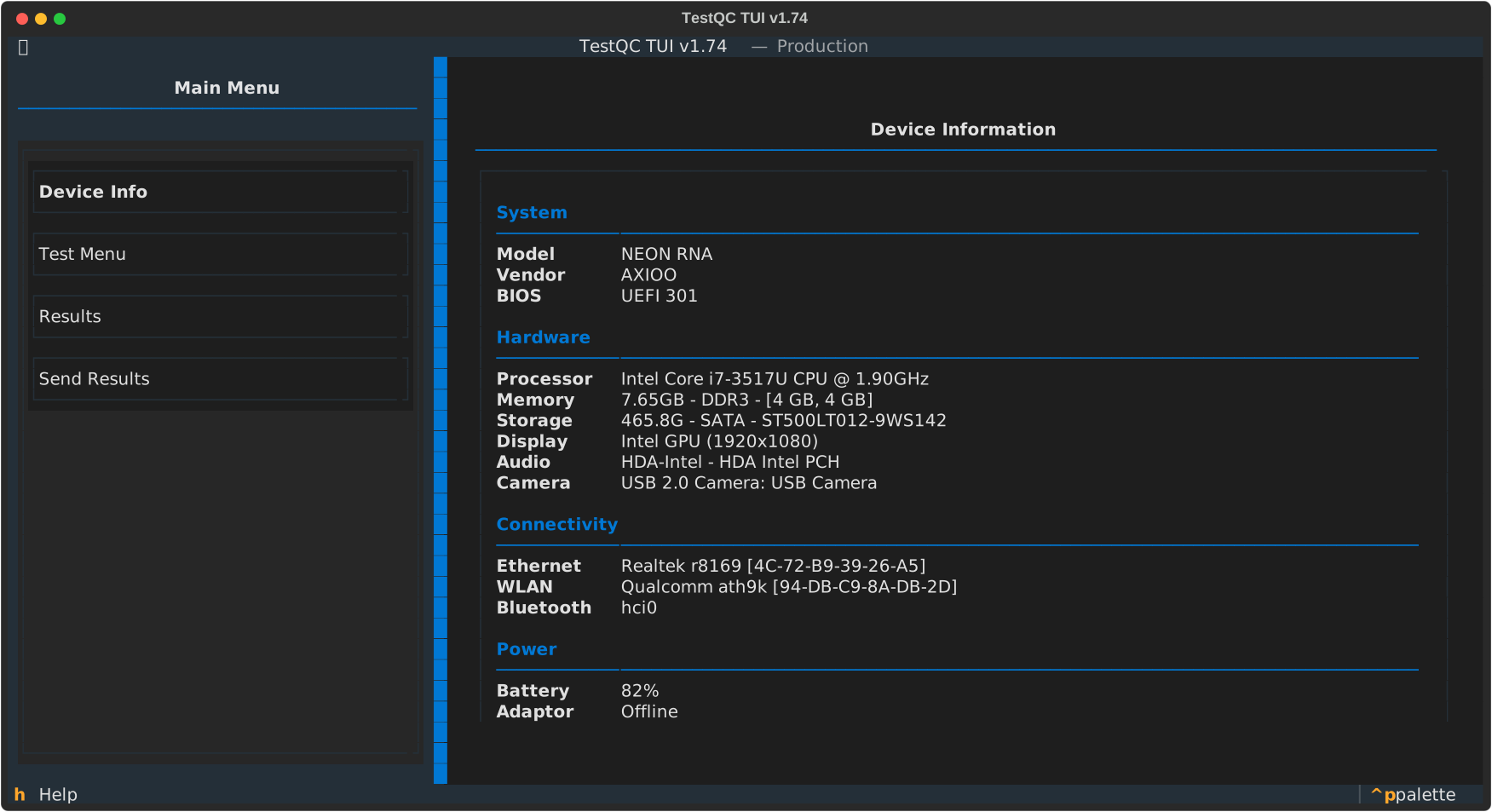
- Check the Device Info List (Component List)
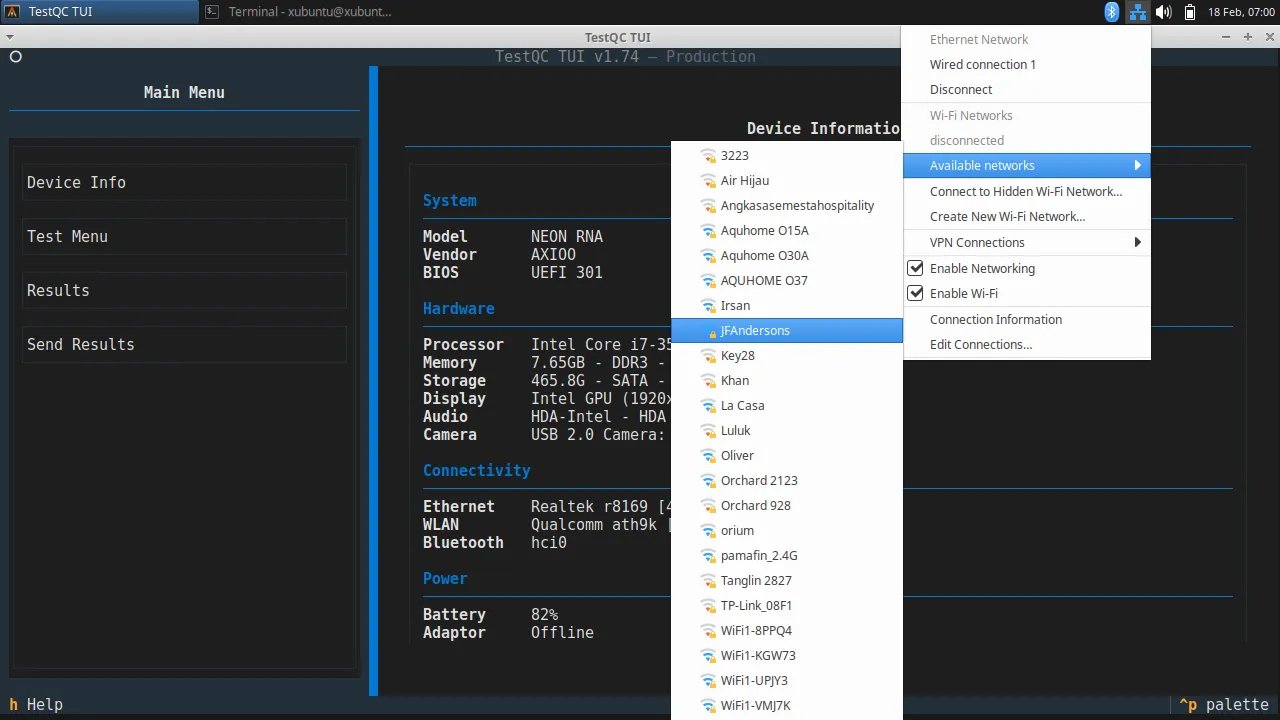
- Connect to the network
- Do the Testing (Keyboard, Deadpixel, Harddisk ... and so on)
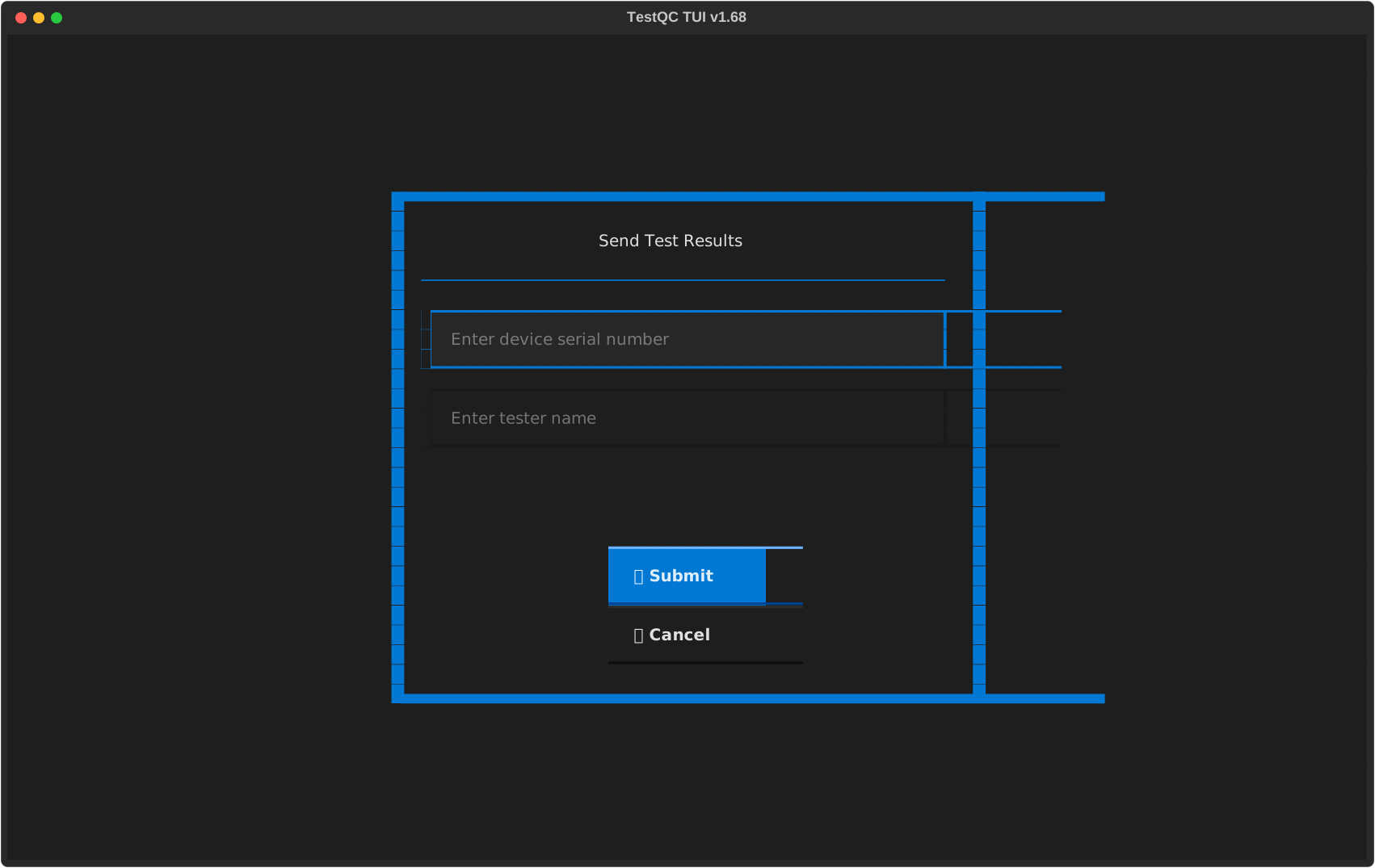
- Scan the barebone Serial Number (SN ID) or manually input the Serial number
- Submit the report test
- Shutting down
Boot from USB
In Legacy BIOS systems, it is easy to select a boot device by simply setting the boot priority in the BIOS setup menu or using the F12 Boot device menu. On a UEFI system, in order to boot from a USB Flashdisk, the Secure Boot system must be turned off first in the BIOS settings.
Preparation
For mass testing on production line, before testing :
- Make sure the TestQC server is online and available
- Make sure the Ethernet or WiFI network is ready (SSID name and password)
- Quiet environment and enough room lighting (important for mic, speaker and webcam test)
- Line up device under test and barcode scanner for serial number scan
Testing Steps
-
Booting progress :

-
Device Info :
-
Connecting to network :
-
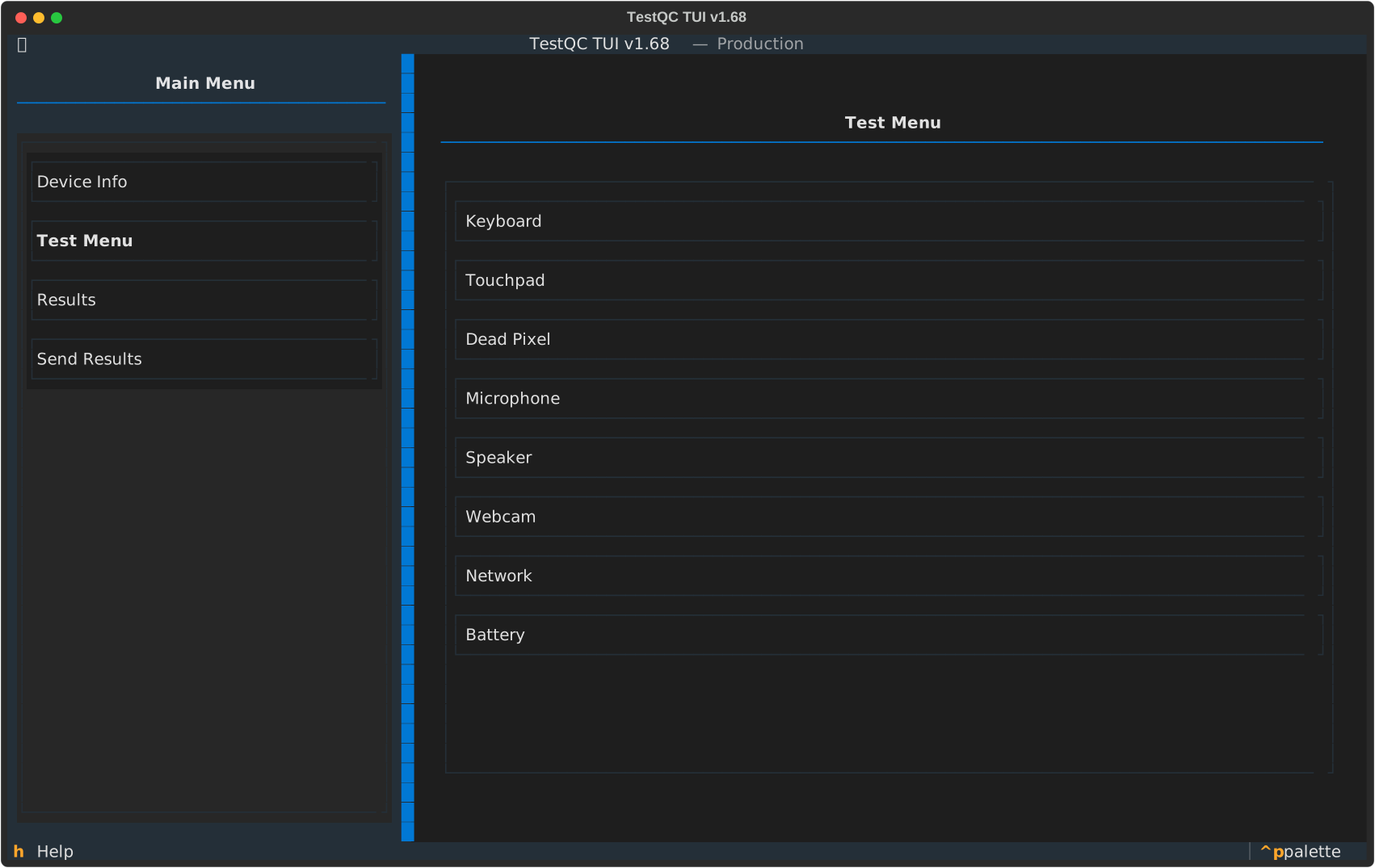
Testing Menu :
-
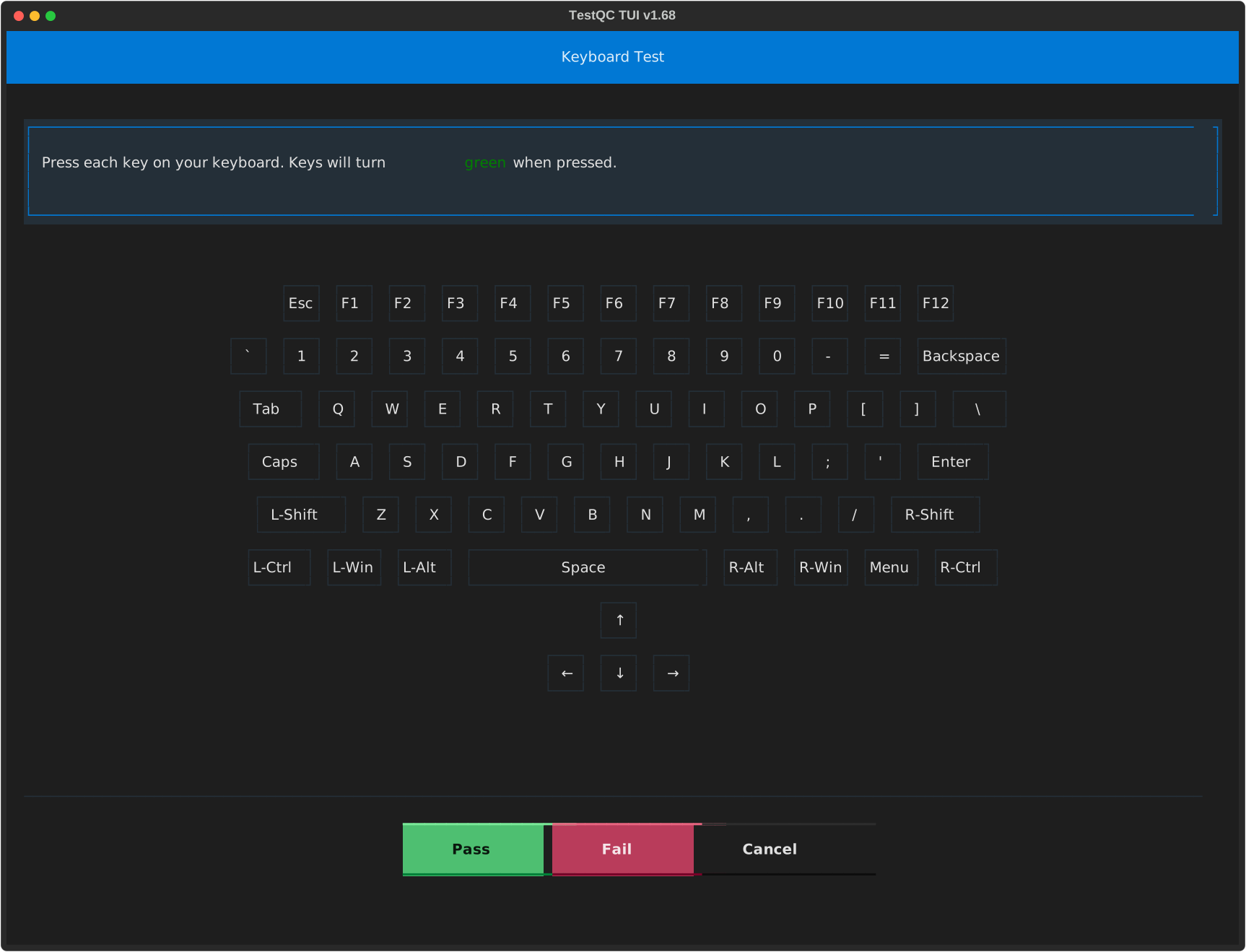
Keyboard test :
-
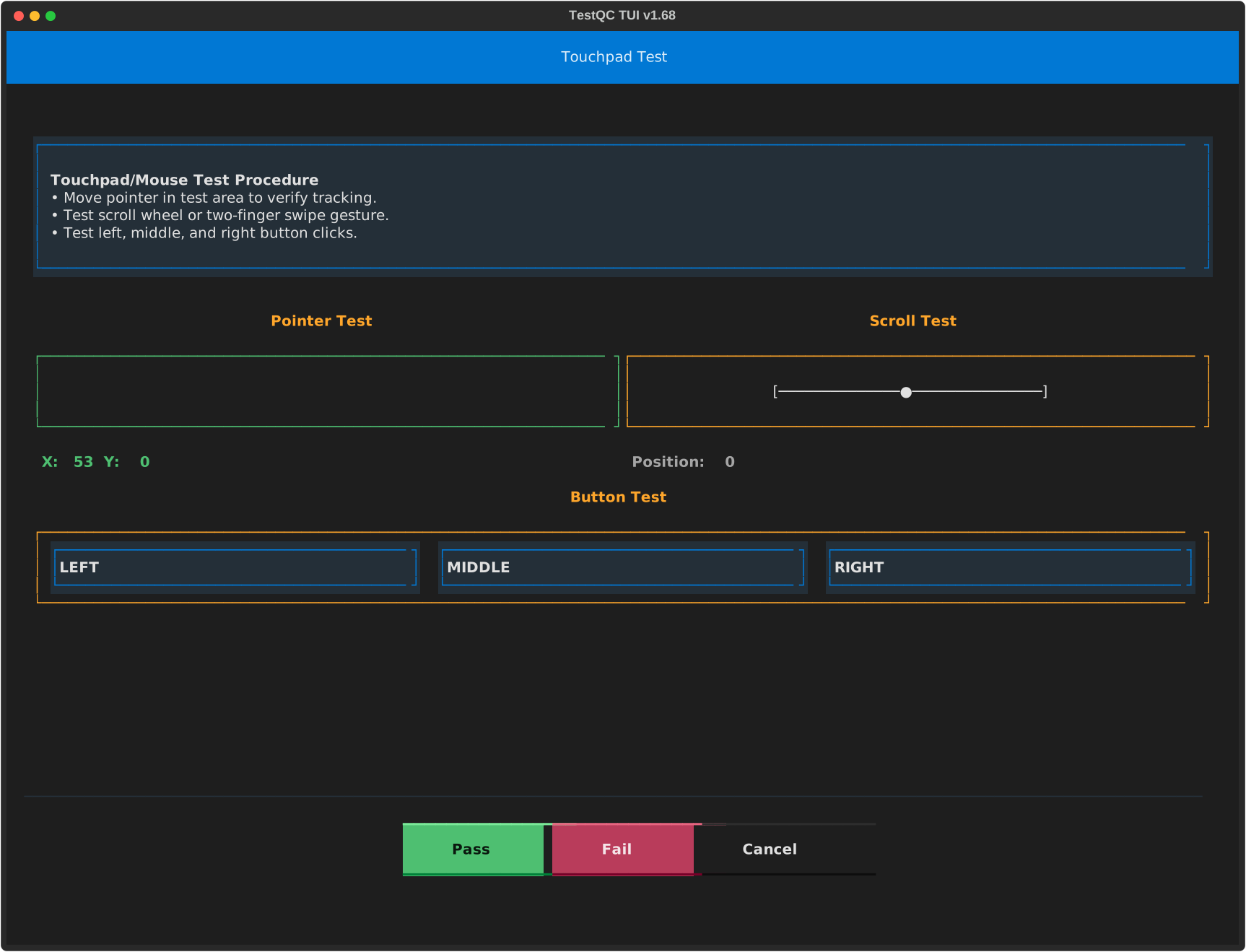
Touchpad test :
-
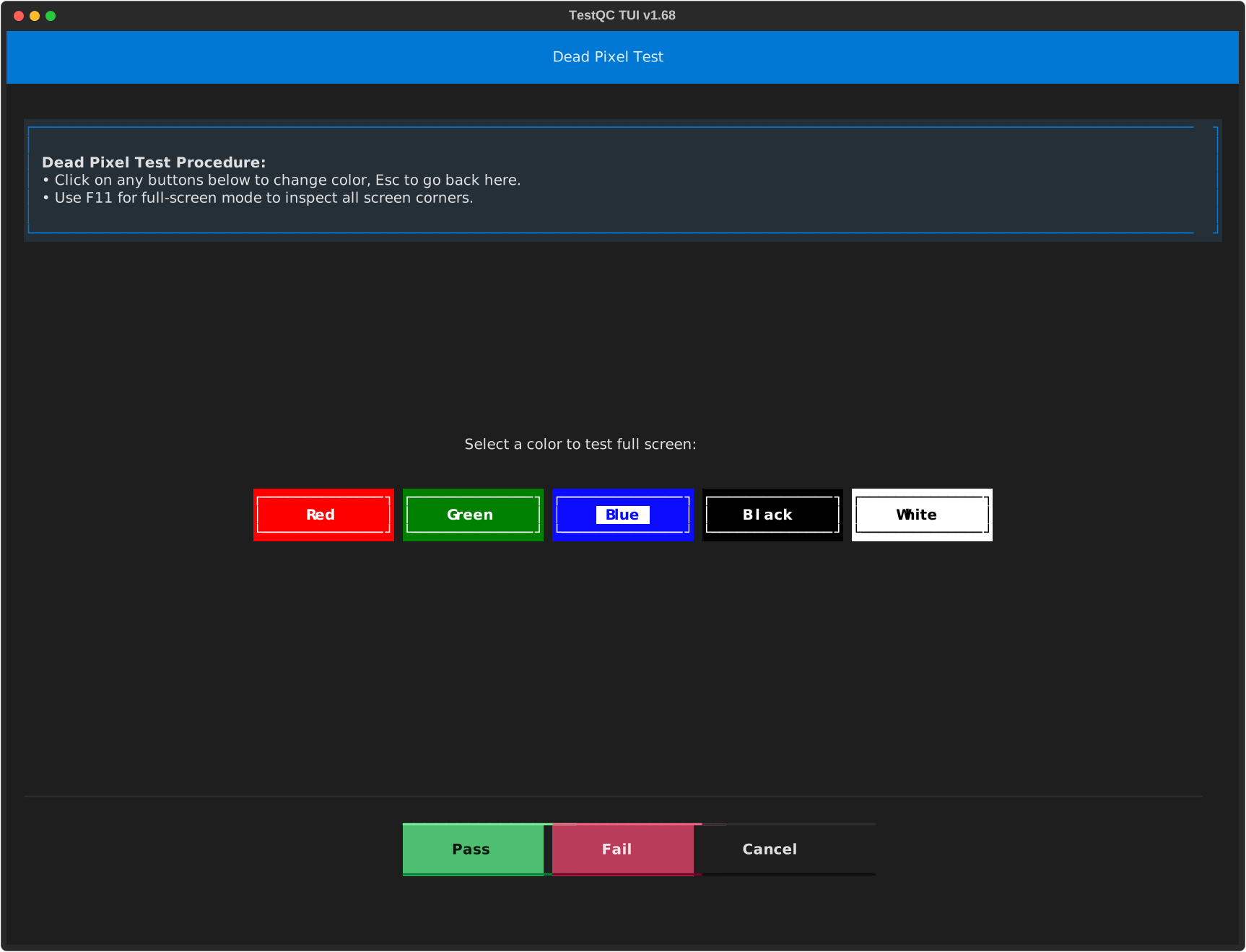
Dead Pixel test :
-
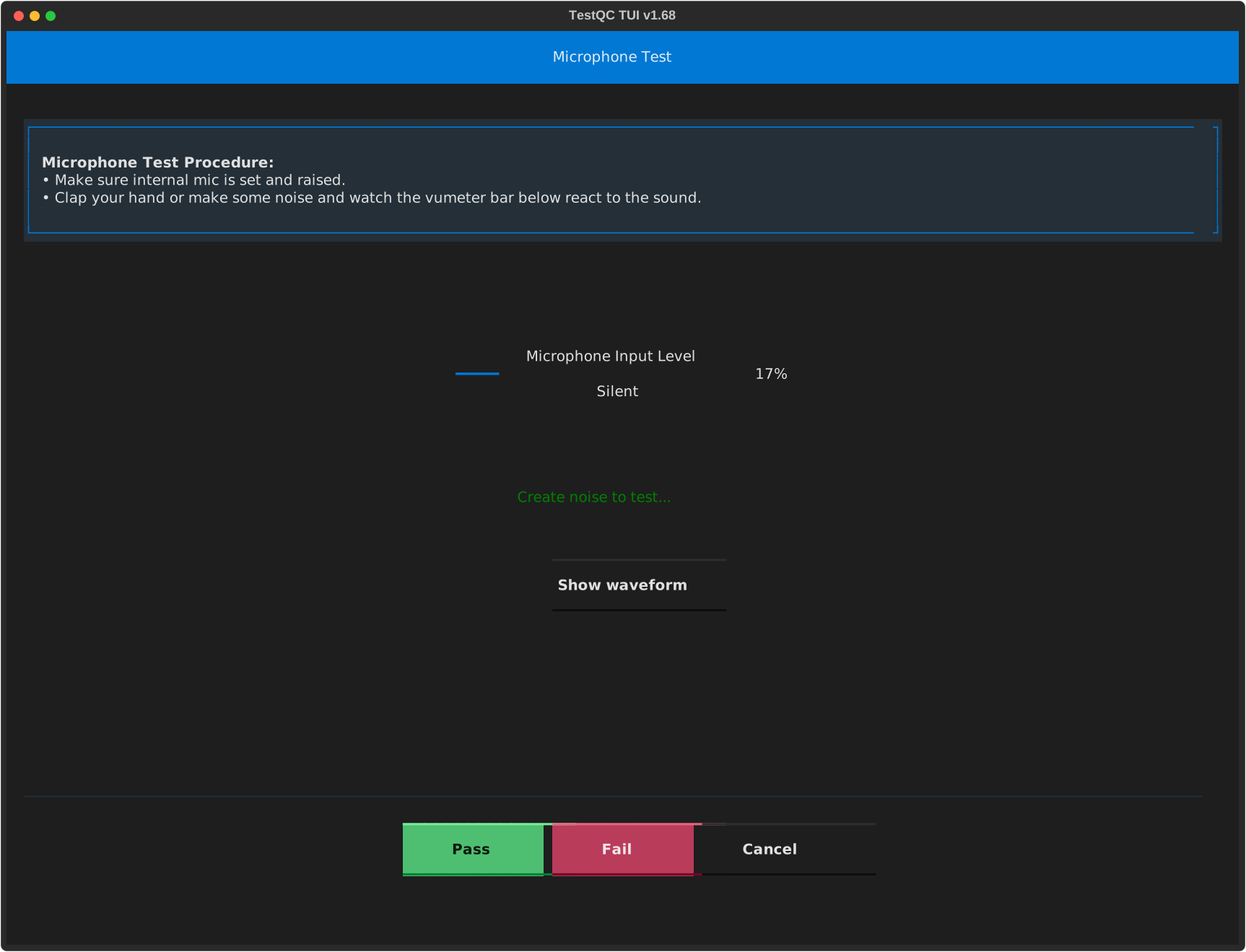
Microphone test :
-
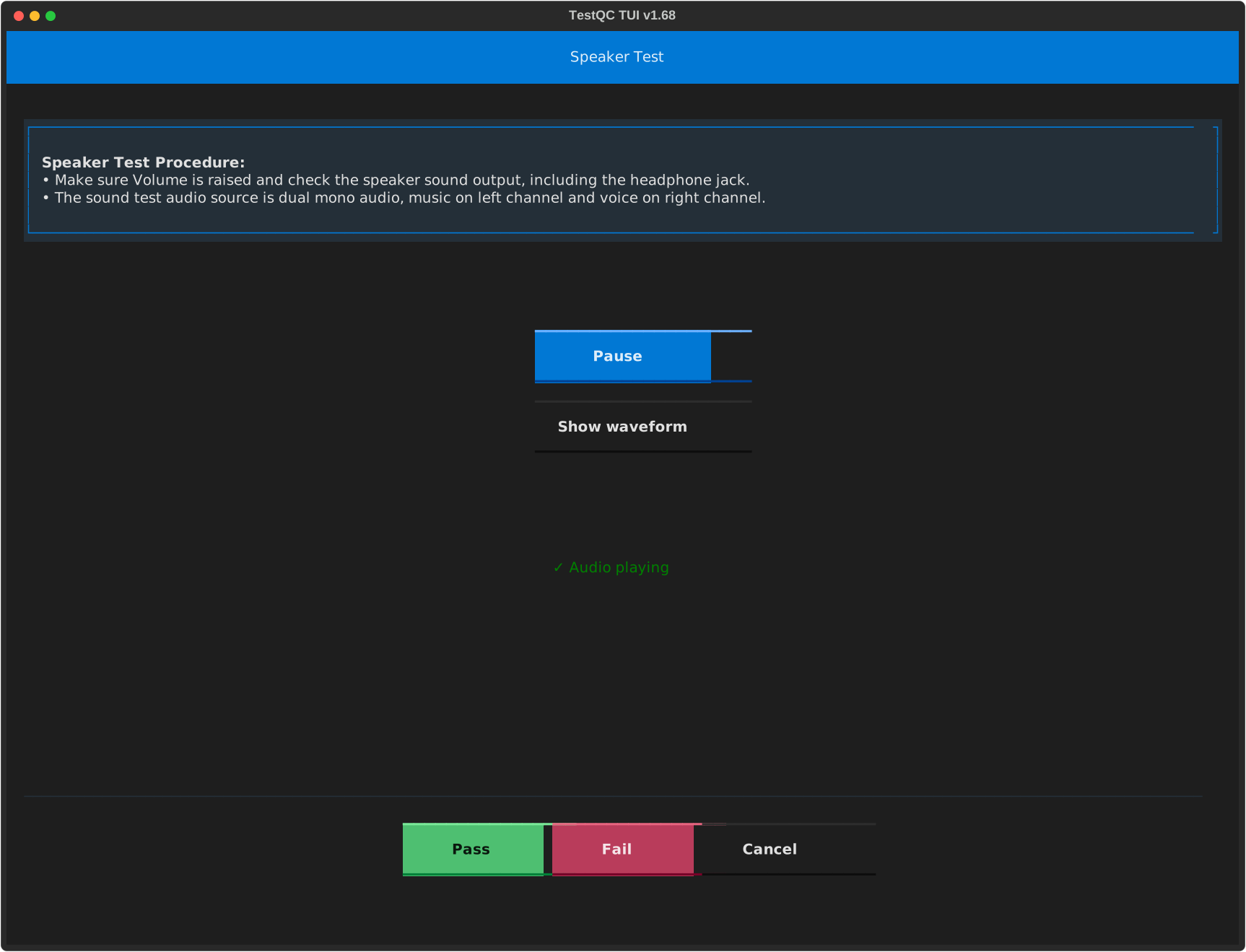
Speaker test :
-
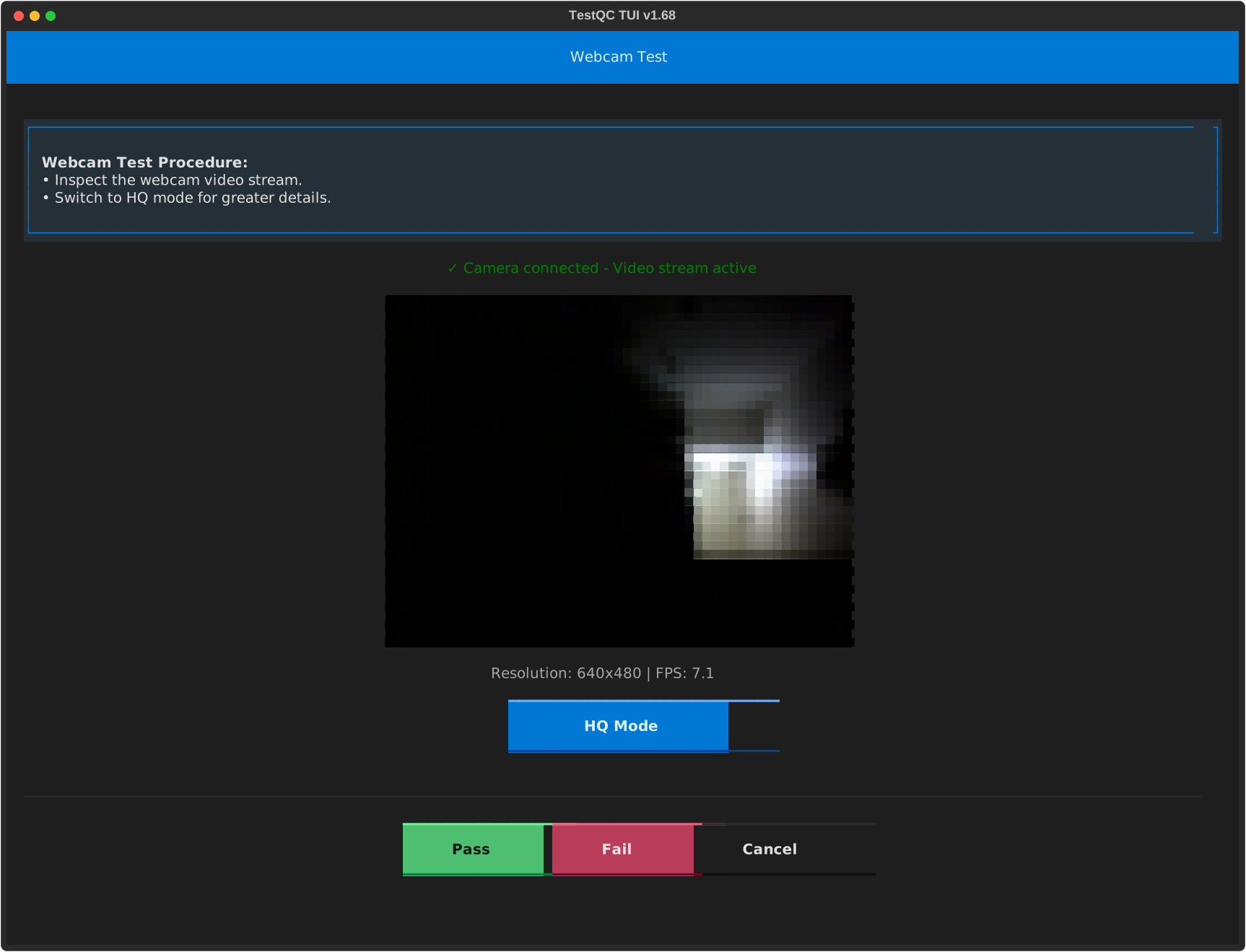
Webcam test :
-
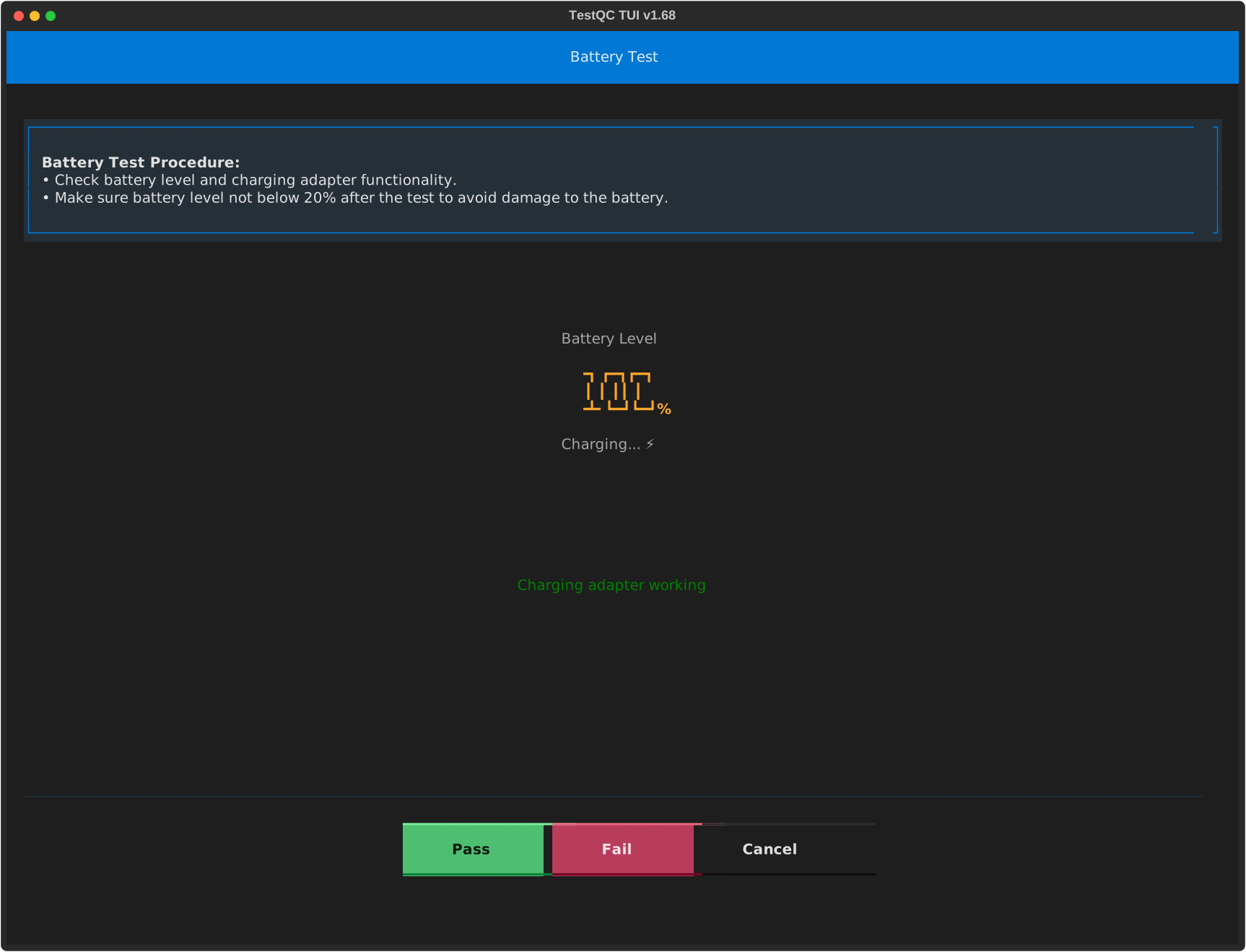
Battery test :
-
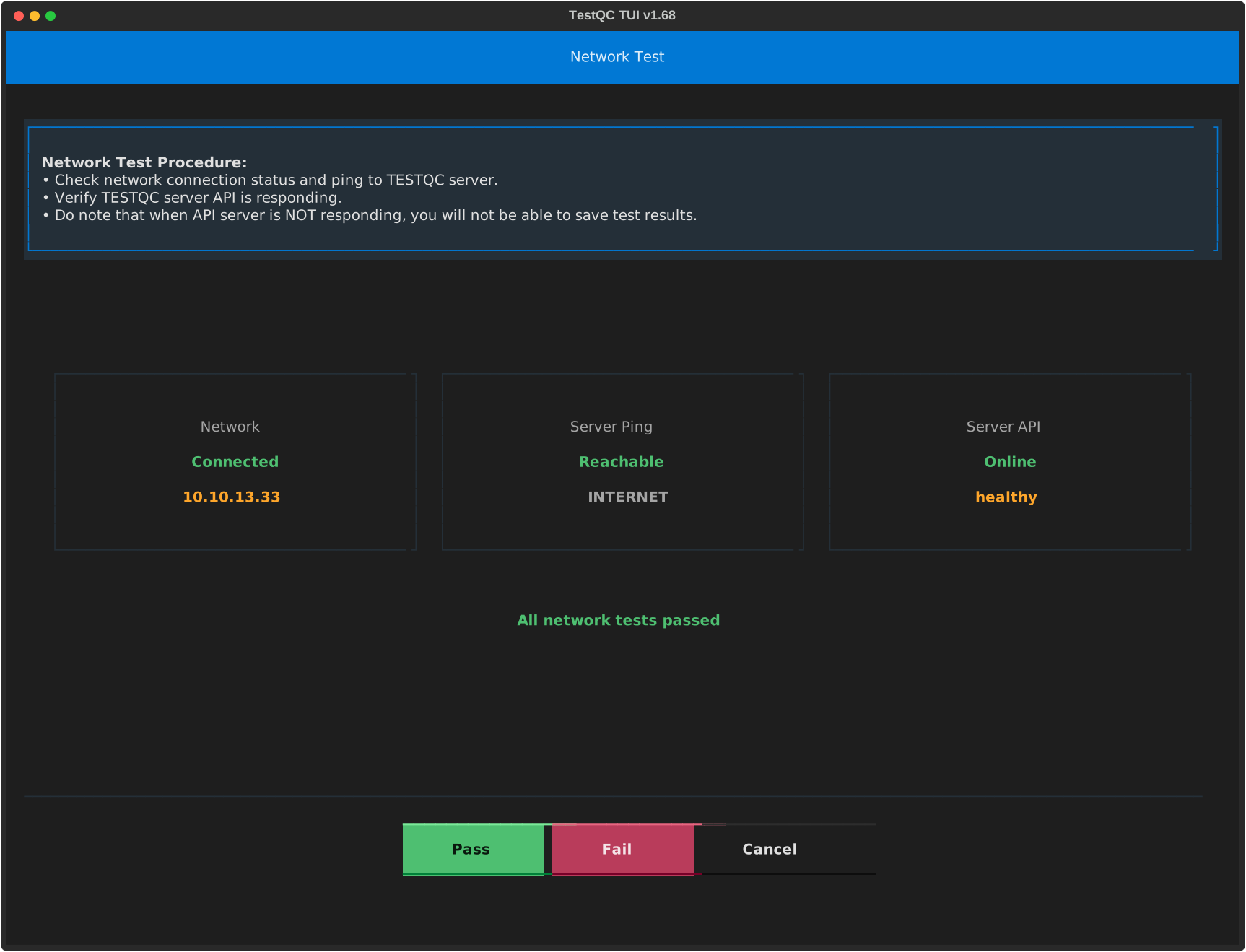
Network test :
-
Posting Report :
-
Finish :
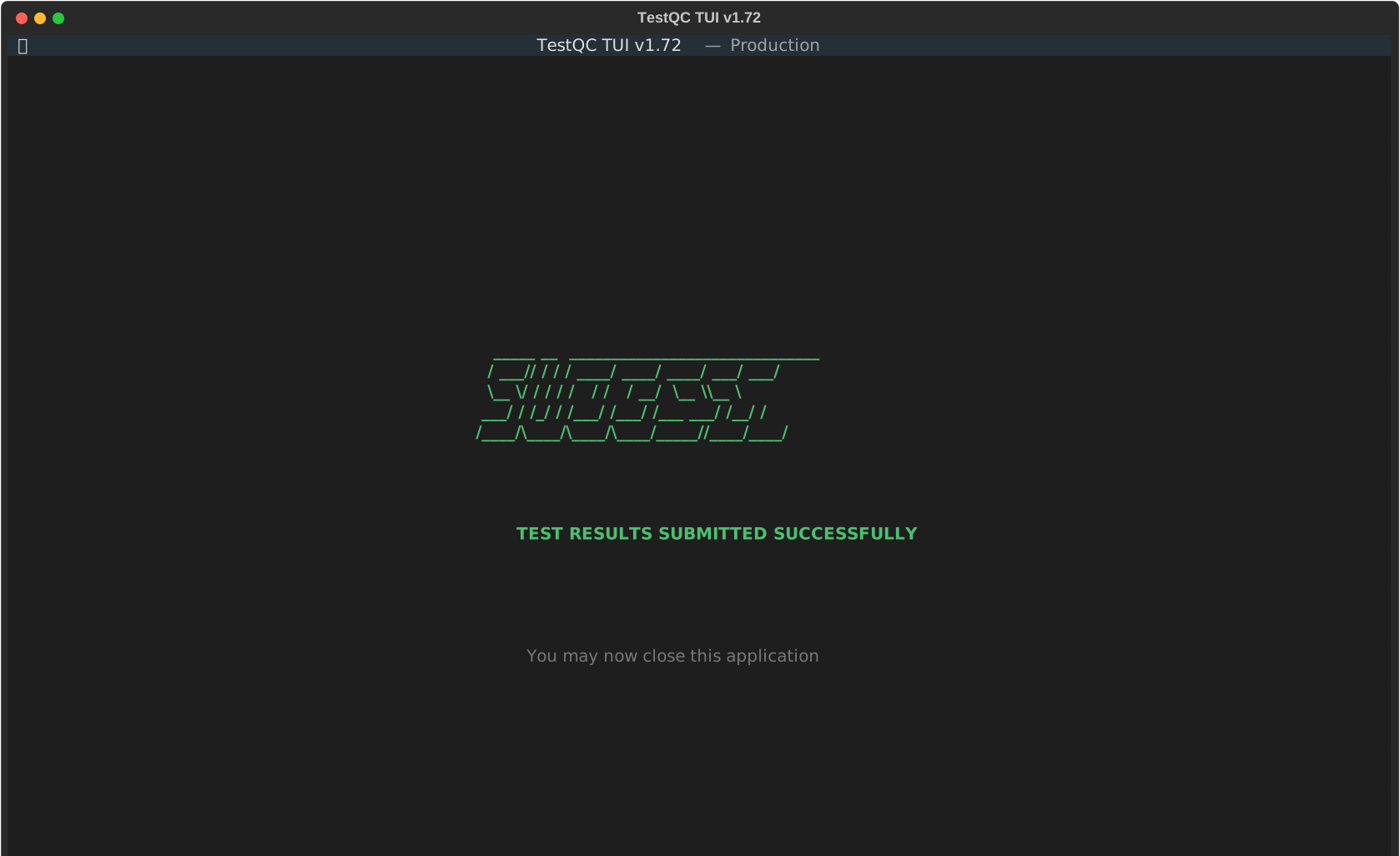
Shutdown the device and move on to the next device.